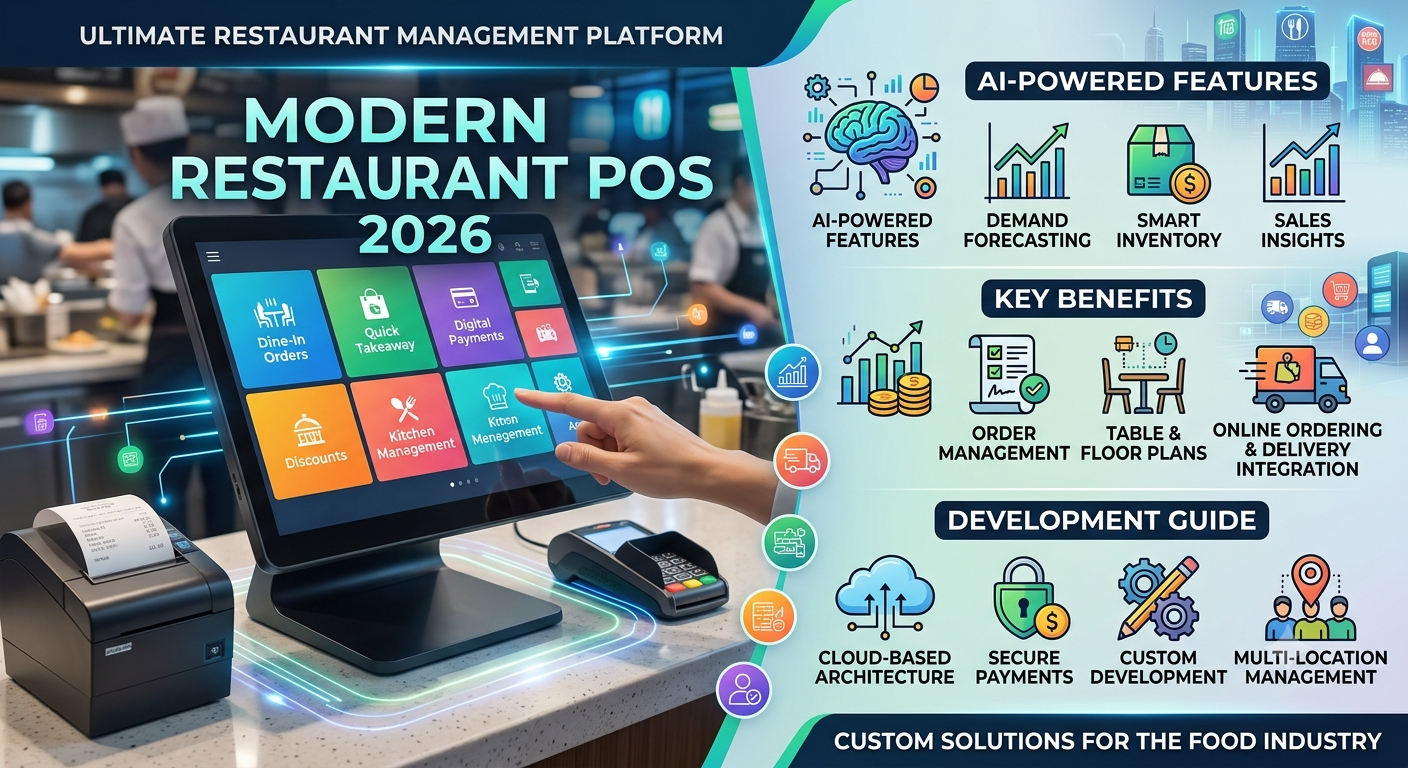
Running a modern restaurant involves much more than taking orders and generating bills. Restaurant owners need to manage tables, menus, inventory, employees, payments, customer data, online orders, and business performance—all while delivering a fast customer experience.
This is why restaurant POS software has become an essential technology for restaurants, cafés, bars, hotels, and multi-location food businesses.
A modern POS system can connect front-of-house operations with inventory, payments, reporting, customer management, and online ordering through one centralized platform.
In this guide, we explore the key features, benefits, architecture, and development considerations for building a custom restaurant POS system in 2026.
What Is Restaurant POS Software?
Restaurant POS software is a technology platform that helps businesses manage sales and day-to-day restaurant operations.
A traditional POS may only process transactions. Modern systems can manage the complete order-to-payment workflow.
Depending on the business model, a restaurant POS can include:
- Order and billing management
- Table and floor management
- Kitchen order management
- Inventory tracking
- Menu management
- Employee management
- Customer loyalty programs
- Online ordering
- Delivery integration
- Digital payments
- Sales analytics
- Multi-location management
- Tax and receipt management
For growing restaurants, POS software can become the central operational system connecting employees, customers, kitchens, payment providers, and management.
Why Restaurants Are Moving Toward Custom POS Solutions
Off-the-shelf POS platforms can work well for businesses with standard requirements. However, restaurants with specialized workflows often need greater flexibility.
For example, a restaurant chain may require:
- Multiple branches under one dashboard
- Different menus for different locations
- Custom discount rules
- Franchise-level reporting
- Integration with existing accounting software
- Custom kitchen workflows
- Third-party delivery integrations
- Loyalty and membership programs
- Custom payment processing
- Industry-specific reporting
A custom POS development company can design the system around these specific requirements instead of forcing the restaurant to adapt its operations to a fixed platform.
Key Features of Modern Restaurant POS Software
1. Restaurant Order Management
Order management is the foundation of a restaurant POS.
Staff should be able to quickly create, modify, split, transfer, and cancel orders while maintaining accurate records.
A modern order management module can support:
- Dine-in orders
- Takeaway orders
- Delivery orders
- Online orders
- Table orders
- Customer notes
- Item modifiers
- Discounts
- Order transfers
- Split orders
A fast interface is particularly important during busy periods when employees may need to process multiple orders simultaneously.
2. Table and Floor Management
Restaurants with dine-in operations need visual table management.
Staff can view table availability, occupied tables, active orders, and table status from a centralized screen.
Useful capabilities include:
- Digital floor plans
- Table assignment
- Table merging
- Table transfers
- Reservation information
- Order status
- Table occupancy tracking
This can help restaurants coordinate front-of-house and kitchen operations more efficiently.
3. Kitchen Display System
A Kitchen Display System (KDS) can replace or supplement printed kitchen tickets.
Orders can be automatically sent to the appropriate kitchen station based on item type.
For example:
Order → POS → Kitchen Station → Preparation → Completed
A restaurant may have separate stations for:
- Grill
- Pizza
- Desserts
- Drinks
- Packing
The KDS can display order priorities and preparation status, helping kitchen teams organize incoming orders.
4. Inventory Management
Inventory control is one of the most important components of restaurant technology.
A POS system can connect sales transactions with inventory data to provide a clearer view of stock consumption.
Important capabilities include:
- Ingredient tracking
- Stock adjustments
- Low-stock alerts
- Purchase management
- Supplier records
- Recipe management
- Waste tracking
- Stock reports
Advanced systems can also connect menu items with ingredient quantities.
When a menu item is sold, the corresponding ingredients can be deducted automatically based on predefined recipes.
5. Payment Processing
Modern restaurant POS platforms need to support multiple payment methods.
Depending on the target market, businesses may require:
- Credit and debit cards
- Mobile wallets
- Contactless payments
- QR payments
- Digital wallets
- Cash
- Integrated payment terminals
Payment architecture should be designed with security and compliance requirements in mind.
6. Customer Management and Loyalty
Customer data can help restaurants create more personalized experiences.
A POS system can store information such as:
- Customer profiles
- Order history
- Visit frequency
- Preferences
- Loyalty points
- Rewards
- Promotional activity
Restaurants can use this information to build loyalty programs and targeted marketing campaigns.
7. Online Ordering Integration
Customers increasingly expect restaurants to provide convenient digital ordering options.
A POS platform can integrate with:
- Restaurant websites
- Mobile applications
- Online ordering platforms
- Delivery services
- QR ordering systems
Orders can then flow directly into the restaurant’s operational workflow instead of requiring employees to manually re-enter them.
8. Reporting and Analytics
Restaurant managers need accurate information to make operational decisions.
A POS dashboard can provide reports covering:
- Daily sales
- Product performance
- Revenue
- Discounts
- Taxes
- Payment methods
- Employee activity
- Inventory
- Customer activity
- Peak sales periods
Advanced analytics can help identify sales patterns and operational inefficiencies.
AI-Powered POS Software
Artificial intelligence is becoming an important component of modern restaurant technology.
An AI-powered POS system can analyze historical and real-time business data to generate useful insights.
Potential AI applications include:
Demand Forecasting
AI models can analyze previous sales, seasonal patterns, holidays, and other variables to estimate future demand.
Inventory Forecasting
Predictive models can help estimate when ingredients may need to be reordered.
Personalized Recommendations
Customer purchasing patterns can be analyzed to recommend relevant menu items, offers, or combinations.
Sales Analysis
AI can identify unusual changes in sales and highlight products or periods that require management attention.
Automated Business Insights
Instead of requiring managers to analyze multiple reports manually, an AI assistant could answer questions such as:
“Which menu items generated the highest revenue this week?”
or
“Which location had the largest increase in takeaway orders?”
This can make restaurant analytics more accessible to non-technical users.
Cloud-Based vs. On-Premise Restaurant POS
Restaurant businesses traditionally used locally installed POS systems. Cloud technology has changed this model.
Cloud-Based POS
Cloud POS systems store operational data on cloud infrastructure and provide centralized access.
Advantages can include:
- Remote management
- Centralized reporting
- Automatic updates
- Easier multi-location management
- Integration with cloud services
- Scalable infrastructure
On-Premise POS
On-premise systems store software and data primarily on local infrastructure.
They can provide greater local control, but businesses may need to manage their own hardware, maintenance, backups, and software updates.
Many modern restaurant businesses are choosing hybrid or cloud-first architectures depending on their operational and connectivity requirements.
Custom Restaurant POS Development Process
Developing a custom POS system requires more than creating a billing interface.
A typical development process includes:
Step 1: Requirement Analysis
The development team identifies:
- Restaurant type
- Number of locations
- Order channels
- Payment requirements
- Inventory workflow
- Kitchen workflow
- Reporting requirements
- Third-party integrations
Step 2: UX/UI Design
The interface should be designed for speed and simplicity.
Restaurant employees often operate POS systems in high-pressure environments, so unnecessary steps can negatively affect usability.
Step 3: Backend Development
The backend manages:
- Orders
Comments